|
|


Find and Export Broken Links in Websites
How to find broken links in websites and export data using the website analyzer tool.
Note: We have a video tutorial:
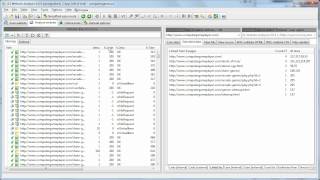
Find Broken Links Tutorial
-
Crawl website to discover all URLs and links:
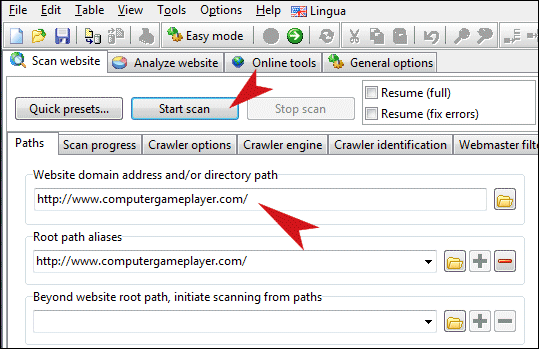
-
Analyze results and the broken links found:

-
Export broken links data (top red arrow points to export button):
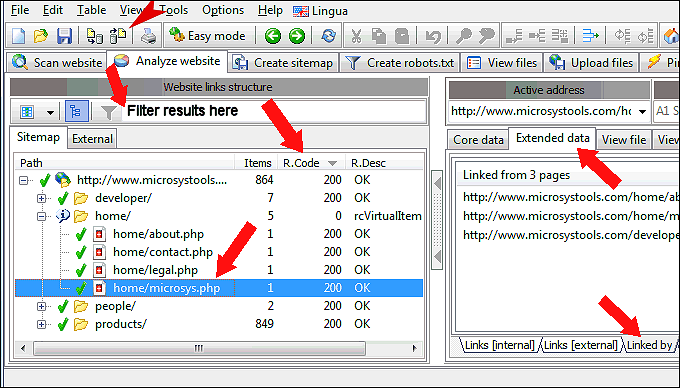
Note: You can control which columns are visible in the tree view at the left side. (And thus also what data gets exported to CSV file.)
Note: You can filter which URLs are visible in the tree view at the left side. (And thus also what data gets exported to CSV file.)
Note: You can set certain options in the view menu which affect how data is shown in the tree view. (And therefore also what gets exported.)
Note: Different A1 tools can include different data columns. A1 Website Analyzer + TechSEO360 includes e.g. linked-by and redirected-by.
If you are ready for more details:


